model lab
Bring your own model
No model is bundled, preselected or preferred. Run one on this Mac with the Orvlet Engine, point Orvlet at a runtime you already use, or connect a cloud provider with your own key.
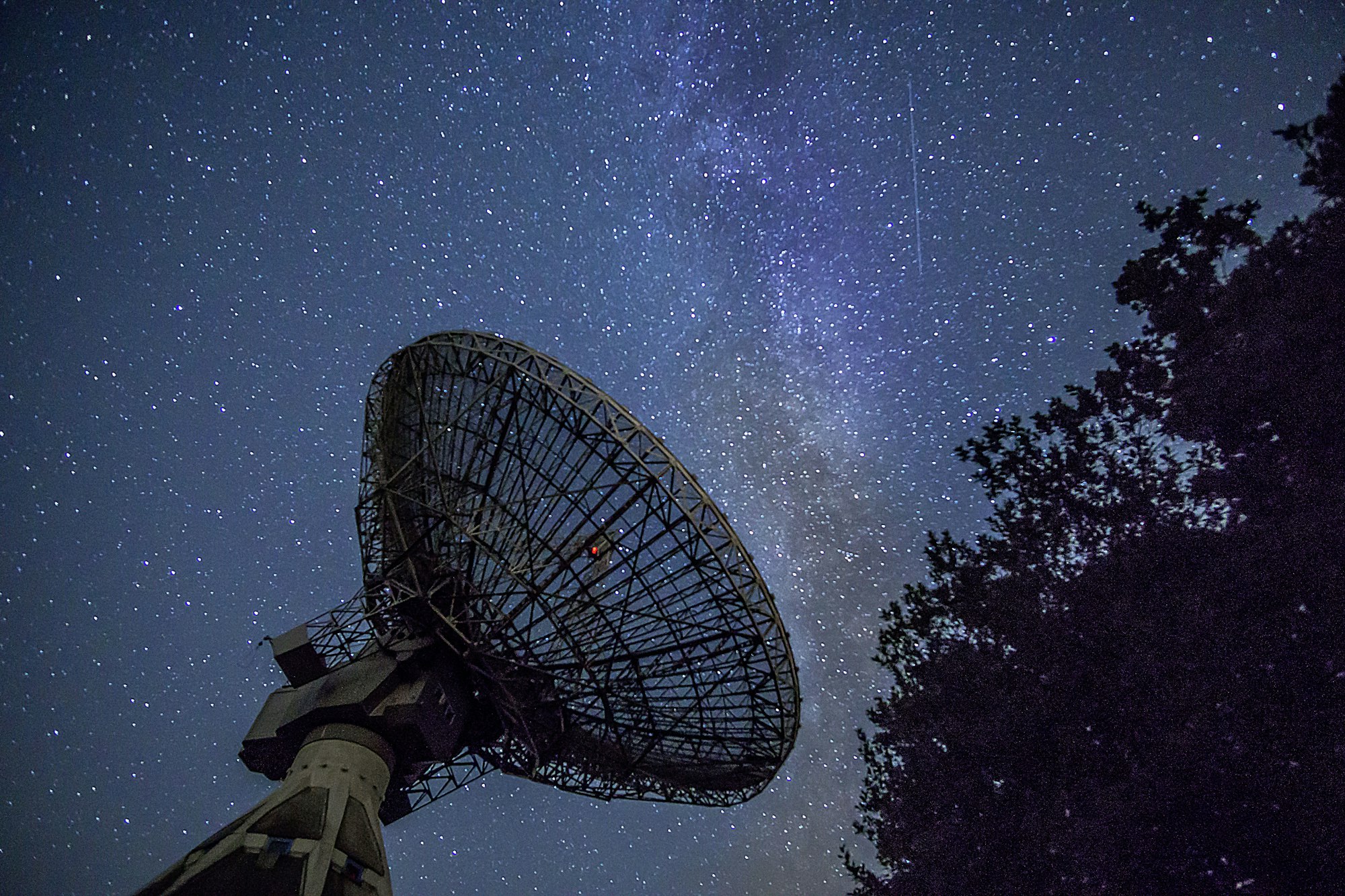
Photograph — Stephan Widua via Unsplash
Orvlet Engine
A bundled native helper (Swift, MLX Swift, llama.cpp) that serves MLX and GGUF models already on your Mac over a loopback, token-protected API. It starts only when a request or you need it — never at app startup — and is never selected for you.
- Chat and agent tasks, structured output constrained to a JSON schema, embeddings, system voices and on-device transcription.
- Per-task prompt caches that never mix, cache statistics and Stop thinking.
- An Engine page with speed, memory, recent requests and a redacted local log.
- Image generation with Stable Diffusion; typed decisions for choice and probability questions.
Measured example from the project notes: Qwen3-8B-4bit on an M5 Max at about 107 tokens per second. Your mileage depends on your Mac and model.
CSS illustration. Downloads are resumable and checksummed, and happen only when you ask.
Ways to connect a model
Local runtimes
Ollama, LM Studio, llama.cpp, MLX LM and any OpenAI-compatible server. The Local models page finds runtimes on this Mac only when you open the page or press Refresh. Servers on this Mac or your local network work without an API key.
Apple Foundation Models
On macOS 27 with Apple Intelligence: no key, no network. Oversized conversations use bounded section summaries while the original transcript is retained.
Cloud providers
Templates for OpenAI, Anthropic, Google Gemini, xAI, Mistral, DeepSeek, OpenRouter and more, over OpenAI Chat Completions, OpenAI Responses and Anthropic Messages. Keys live in the OS credential store — the macOS Keychain — never in plain config files.
Every model can call tools
Models without reliable native tool calling use the Text tool-call shim by default, so smaller local models can still drive the agent. Small models may still not finish multi-step tasks.
Trust and provenance for model files
The library can verify complete Ed25519-signed model manifests; you explicitly trust or revoke publisher fingerprints. Hugging Face search shows the license before a download, and downloads verify checksums. Web search for any model goes through a backend you configure (SearXNG, Brave, Tavily, Exa, Kagi or DuckDuckGo) — never a hidden default.
Fallback chains, credential pools with rotation on rate limits, per-model costs and budgets, and a request inspector round out the lab.
The model library
Settings → Model library is where models are found, checked and kept.
- Two hubsSearch Hugging Face or ModelScope; each result keeps its source through details, license and download.
- Recommended for this MacFrom the results of your own search, the models that fit comfortably at your chosen context — no shipped vendor list.
- Compatibility rankingTask, format, memory, hardware and runtime checks for each entry, every one with a plain-English reason.
- Quant pickerEvery GGUF variant in a repository with its size, and a trade-off matrix across quantizations.
- Reuse what you haveModels in LM Studio, Ollama or the Hugging Face cache are found on disk; duplicate downloads are refused.
- Library foldersSeveral ordered model folders, storage usage and cleanup with a preview before anything is removed.
- Downloads you controlPause, resume and verify by SHA-256; restrictive licenses must be accepted before Download is enabled.
- Signed modelsVerify Ed25519-signed model manifests and trust or revoke publishers explicitly.
- Encrypted vaultOptionally keep model weights in an encrypted vault whose key is wrapped by the Secure Enclave.
Train and evaluate
Fine-tune with LoRA, DoRA or full training, align with DPO, distill from a teacher, and compare models in a blind arena — with reports tied to the exact artifact you export.
Open models at home
What the 2026 open-weight releases can do, and a memory-tier guide to what your Mac can hold.