
Your machine.
your models.
Your code.
Orvlet is a desktop workspace where an AI agent works on your projects — reading and editing code, running commands, searching your documents, browsing the web — with a model you choose: one running on this Mac, one on your network, or a cloud provider with your own key.
Status: preview. Orvlet builds from source today. There is no signed public download yet — the download page says exactly what exists and what does not.
Fig. 01 — An illustration drawn in CSS, not a screenshot. Approvals show the exact command, URL or diff before anything runs.
- macOS 27+ · Apple Silicon
- build from source
- Apache-2.0
- no account · no telemetry
Photograph — David Billings via Unsplash
principles
Built to stay on your computer
Local-first
Nothing is contacted at startup. Projects, tasks,
settings and approvals stay in ~/.orvlet on your machine. Running the app
needs no network connection.
Provider-neutral
No model is preselected and no vendor is preferred. Use Ollama, LM Studio, llama.cpp, MLX, any OpenAI-compatible server, or a cloud API with your own key. Local endpoints need no key at all.
Asks before it acts
File edits, commands and network calls go through plain-English approvals with the exact diff or command. Full access is only ever an explicit per-task choice.
Open source
Licensed under Apache-2.0: use it, fork it, ship products with it. The Orvlet name and signed releases identify the official project. See open source & license.

“Nothing is contacted at startup. It runs — entirely — on this machine.”
Fig. 02 — Offline by design · Photograph — Howen via Unsplash
the workbench
An agent with a real workspace
Chat and Code views share one workspace: a file editor with search, changes and preview; an integrated terminal; Git worktrees and pull-request review; a built-in browser the agent can use with your approval; and knowledge collections that index your folders and PDFs on this machine.
model lab
Models that run inside Orvlet
The bundled Orvlet Engine serves MLX and GGUF models already on your Mac over a loopback, token-protected API. It starts only when used. The model library searches Hugging Face with license gating and resumable, checksummed downloads.

open models at home
Near-frontier,
on your desk.
Heavy AI use on subscriptions and metered APIs adds up. Open-weight models from Hugging Face and ModelScope now reason, code, read images and hold long documents — and depending on your Mac's unified memory, they can get you near-frontier quality on many tasks, offline, with no meter running.
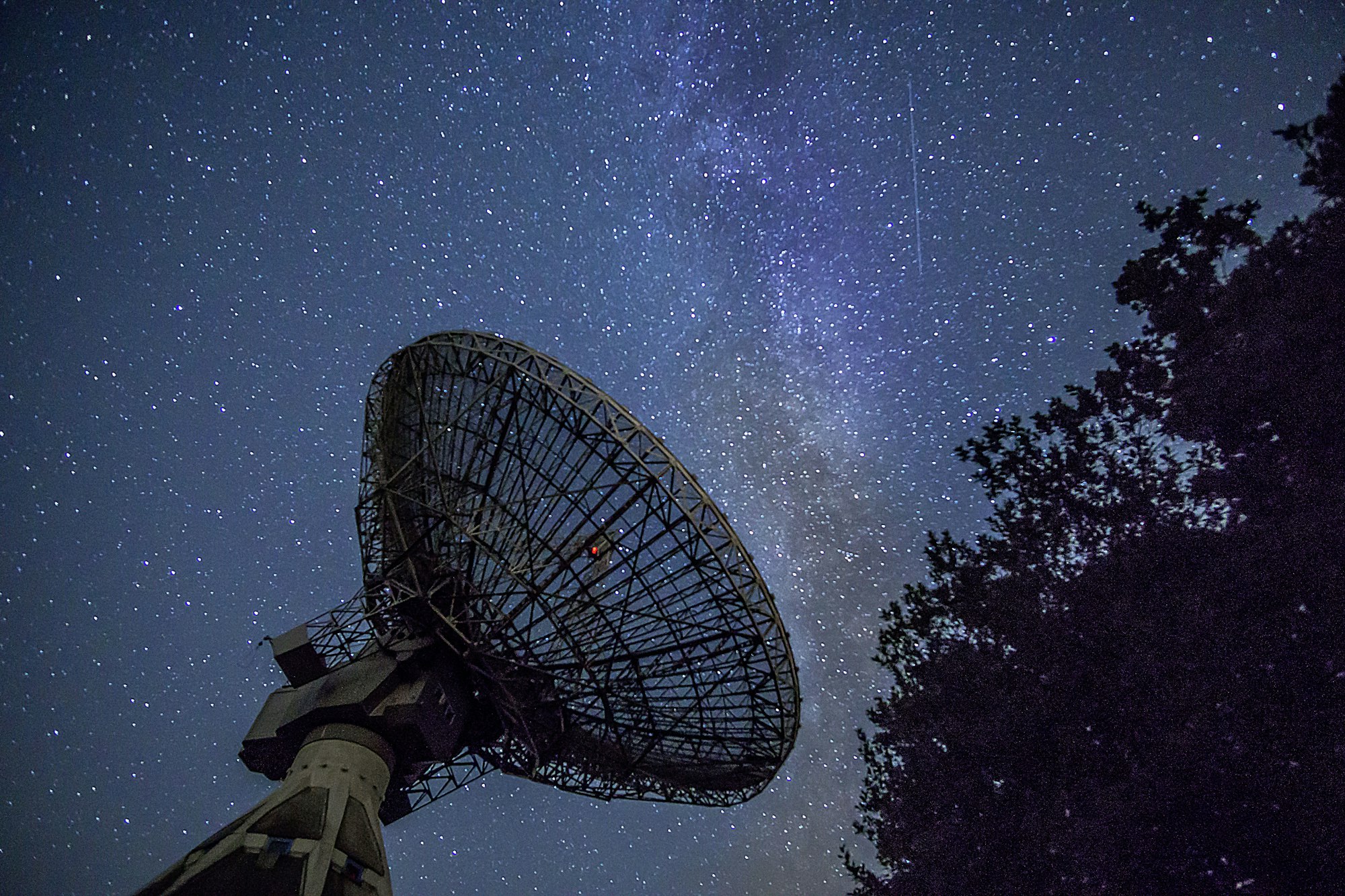
Fig. 04 — Photograph — Slava Auchynnikau via Unsplash
everything in one app
One workspace, many crafts
Coding is where Orvlet started. It now covers the rest of a working day too — each area under the same local-first rules and the same approvals.
 WorkbenchAgent, editor, debugger, terminal, Git and preview in one window.
 Agents & automationA personal background agent, subagents on several models, schedules and loops.
 Browser & computer useA built-in browser for the agent and approved control of your Mac's apps.
 Documents & researchWord, Excel, PowerPoint, PDF and LaTeX; cited answers from your own folders.
 Voice & studioOn-device dictation and conversation, images, music, audio and video.
 Remote & integrationsSSH, containers, your phone without a relay, VS Code, Zed and the CLI.
 Orvlet EngineNative MLX and GGUF inference with caching and speculative decoding.
 Training & evaluationFine-tune, align, distill and compare models on your own data.
 Plugins & themesSkills, MCP servers, extensions and color themes from sources you add.

An agent that asks before it acts.
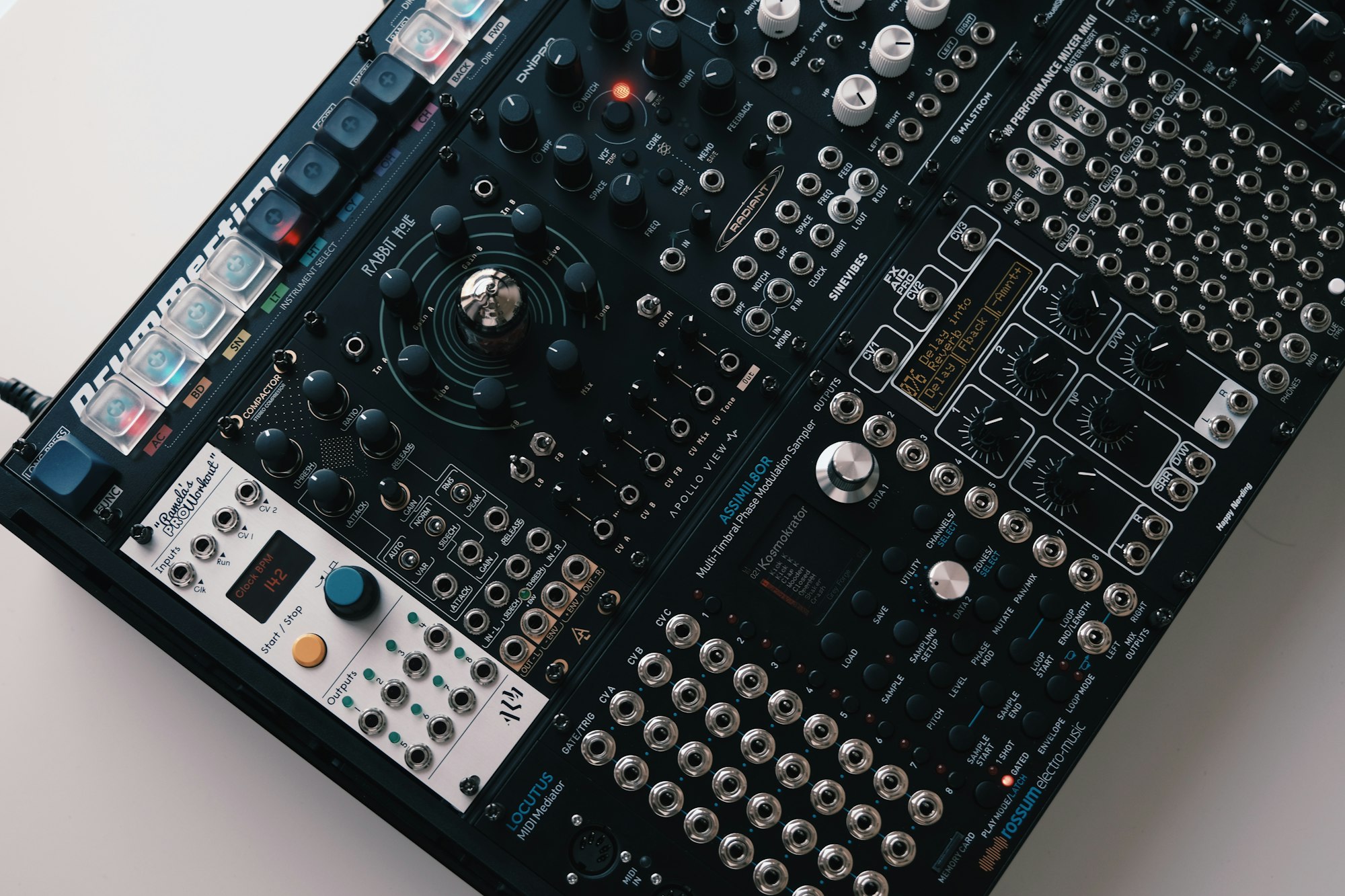
Fig. 05 — Photograph — Venti Views via Unsplash