voice & studio
Speak it.
Make it.
Talk to Orvlet instead of typing, have answers read back, and create images, music, sound and video with models running on your own Mac — or a tool you explicitly choose.
Photograph — Rafi Mohammed via Unsplash
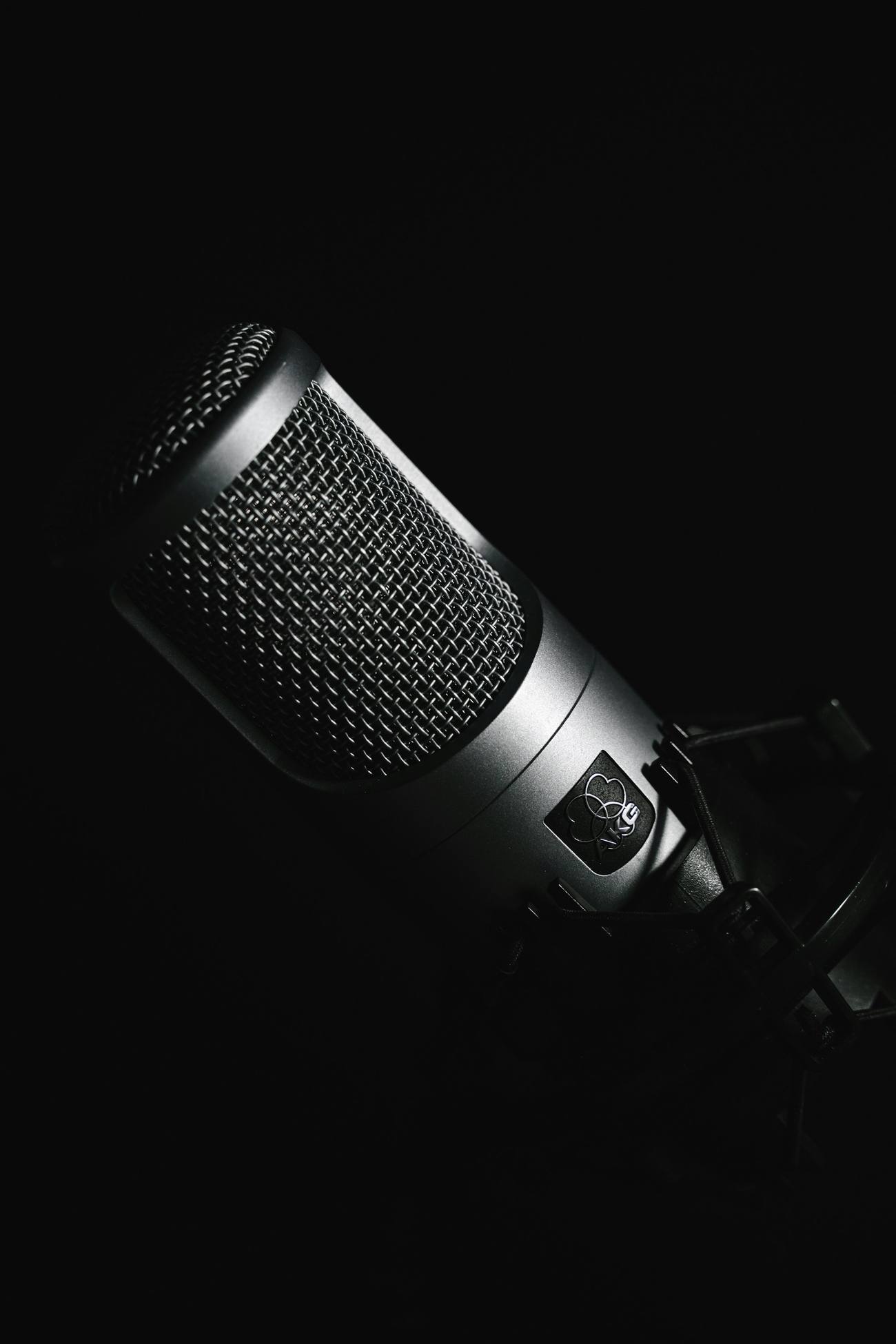
Voice, on device
Speech is transcribed on this Mac. Recordings stay local, and a voice feature that needs the microphone asks macOS first.
- Dictation everywhere. Hold-to-talk or toggle hotkeys in the composer and Quick Entry, filler-word cleanup, a custom dictionary, microphone choice and recent recordings — and dictation into the focused field of any app.
- Voice conversation.
/voiceholds a two-way spoken conversation with voice-activity detection and barge-in: start talking and the reply stops to listen. - Read aloud. Answers are spoken with macOS system voices or an on-device neural voice you install, with pace and pitch that follow the content.
- See what you mean. With opt-ins, a spoken request can carry one screenshot of your screen or a few camera frames to the task's model.
- Voice in the terminal. Speak a prompt or a steering message to a CLI task.
- Who said what. Speaker labels and timestamps for recordings, computed locally from voiceprints.
Images
The Orvlet Engine generates images from diffusion weights on your disk — Stable Diffusion, FLUX.1 schnell and FLUX.2 klein — inside an image workspace and as a tool the agent can call in any task.
- Text to image, image to imageGenerate from a prompt or start from a reference, then refine.
- Inpaint and outpaintBrush a mask over a region to regenerate it or extend the canvas.
- ControlNetCondition a picture on line art, edges or depth.
- LoRA stylesLoad and blend diffusion LoRAs with seed, step and guidance controls.
- Sketch and commentSketch input, region comments, reusable templates and an editable generation history.
- Restore and upscaleRestoration, upscaling, frame interpolation and color finishing for images and video.
- Image understandingPaste screenshots for vision models; the agent can zoom and crop regions of a source image to inspect details.
- Image diffsSide-by-side, swipe and onion-skin comparison of changed images in a review.
- Local APIThe same engine serves an OpenAI-compatible image endpoint for your own scripts.
Music, sound and video
Projects stay editable: originals are kept, and every generated piece can be revised.
Audio Studio
Generate music with a local MusicGen route, and compose songs with lyrics, sections, tempo, key, notation and stem arrangements.
Audio editing
Non-destructive cuts and fades, denoise and repair, and stem separation — with the original always retained.
Sound design
Place generated sound effects, ambience and transitions in timed projects with loop and fade controls.
Video projects
Build longer pieces from scripts, storyboards, scenes and timelines with continuity checks; assemble music videos aligned to the beat and lyrics; create multi-shot video with synchronized sound through providers you select.
Dialogue and dubbing
Create or translate consented dialogue and voiceover with an aligned transcript, speaker mapping and the background preserved.
Understand a video
Transcribe an entire local video and describe its timeline in bounded, timestamped sections with local models.
Consent is part of the workflow: likeness and voice references are used only when you confirm them.
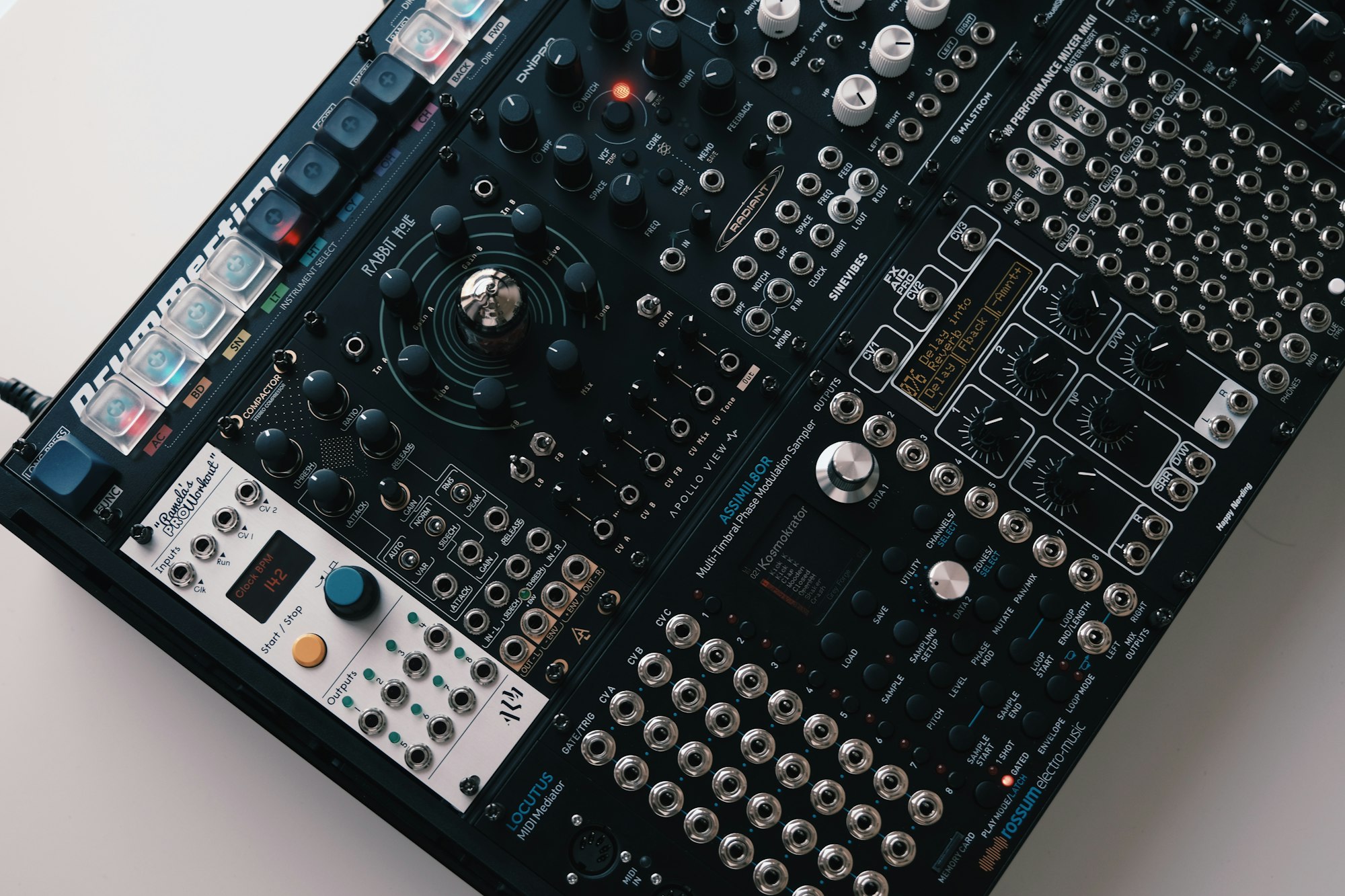
Photograph — Egor Komarov via Unsplash
Design and explainers
A canvas next to the agent for things you show rather than tell.
- Design canvasA separate window for prototypes and slides that the agent can build and you can edit.
- Design round tripExport a working UI to an editable design document mapped to source, edit on the canvas, and send the reviewed revision back as an implementation request.
- Design systemsVersion licensed tokens, components and assets and apply them across artifacts.
- Animated explainers
/motionturns selected content into an editable timed animation of text, charts, shapes and images. - 3D and motionSimple 3D scenes, and skeletal animation from a licensed motion model you place on disk, exported locally.
- Whiteboard and vector scenesSketch as context for the agent, and save editable vector scenes to reopen later.